
In today’s digital world, almost every business relies on online tools to operate efficiently. From banking systems to e-commerce platforms, everything is powered by web-based applications. If you’ve ever wondered how to build web-based applications, this guide will walk you through the process in a simple and practical way.
What Are Web-Based Applications?
Before learning how to develop them, it’s important to understand what are web based applications.
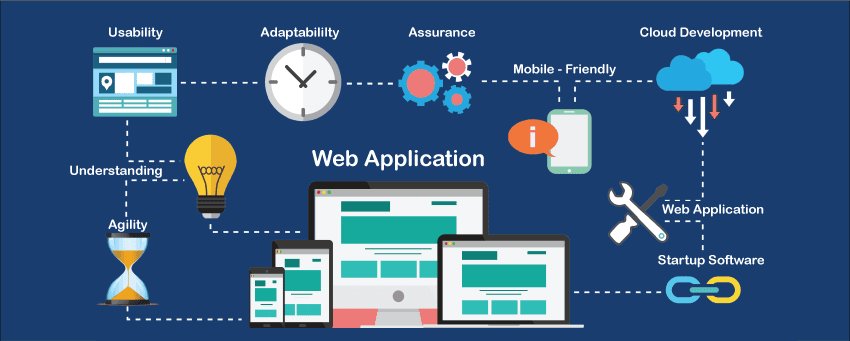
A web-based application is software that runs on a web browser instead of being installed on a device. Users can access it through the internet using browsers like Chrome, Firefox, or Safari.
When people ask what is a web based application, the answer is simple: it is an interactive software program that runs on a server and is accessed via the web.
Examples of web-based applications include:
- Google Docs
- Online banking systems
- Social media platforms
- E-commerce websites
- Project management tools like Trello
These applications are also referred to as web apps or web based applications.
Web-Based Applications vs Websites
Many beginners confuse websites with applications. However, they are not the same.
- A website is mostly informational (like blogs or company pages)
- A web-based application is interactive and allows users to perform tasks
For example:
- A blog website shows articles
- A banking web app lets users transfer money
This is why understanding how web based applications and websites differ is important before starting development.
Types of Web Applications
To understand types of web applications, here are the main categories:
1. Static Web Applications
These are simple and display fixed content.
2. Dynamic Web Applications
These apps update content based on user interaction.
3. E-commerce Web Applications
Platforms like Amazon where users can buy products online.
4. Portal Web Applications
Used by businesses or organizations for internal systems.
5. Single Page Applications (SPA)
Modern apps that load a single page and update dynamically (e.g., Gmail).
How to Make Web-Based Applications
Now let’s answer the key question: how to make web based application.
Building a web application involves several stages:
1. Planning and Requirement Analysis
Every successful project starts with planning. At this stage, you define:
- Purpose of the application
- Target users
- Core features
- Business goals
This step ensures clear direction before development begins.
2. Choosing the Right Technology Stack
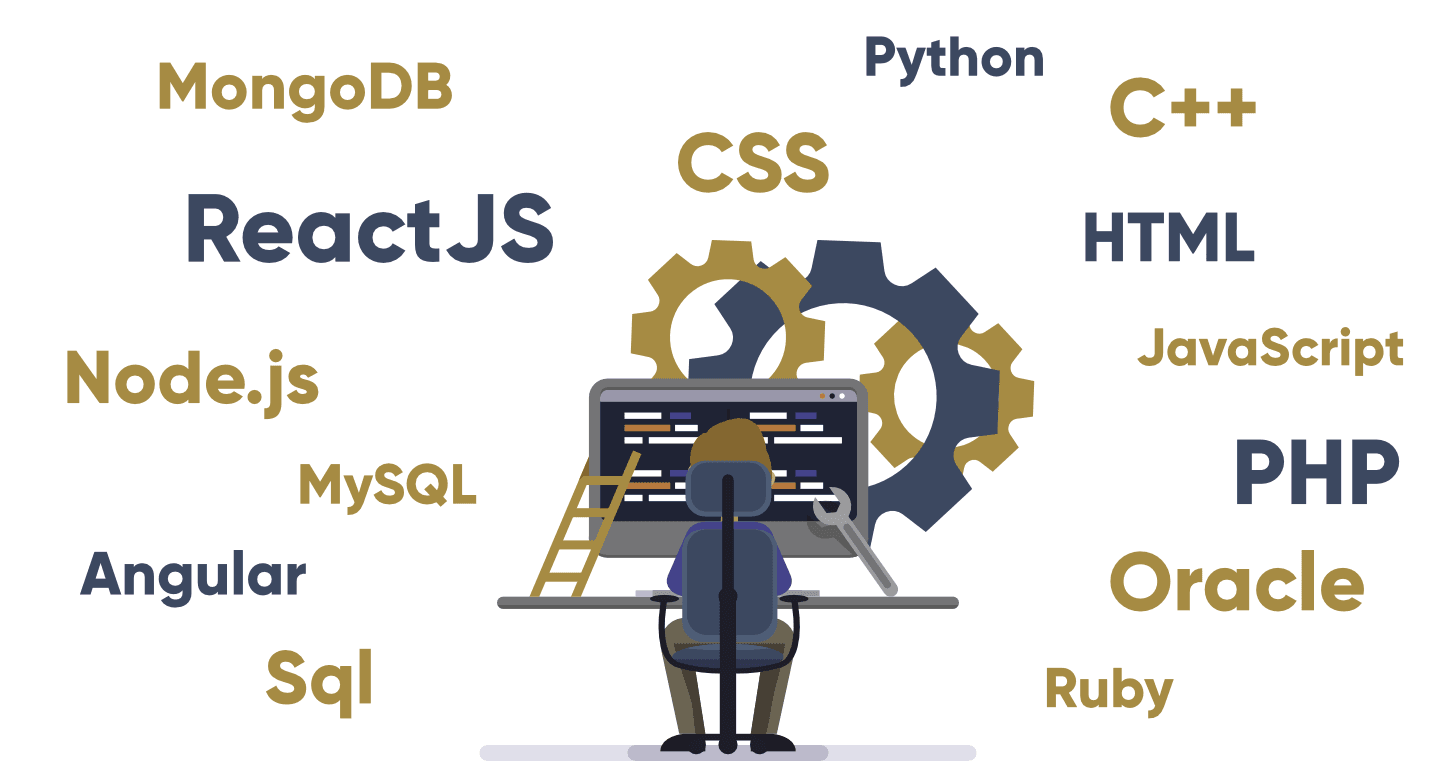
To develop web based application, you need a technology stack.
Front-End Technologies:
- HTML
- CSS
- JavaScript
- React / Angular / Vue
Back-End Technologies:
- Node.js
- Python (Django / Flask)
- PHP
- Java
Database:
- MySQL
- MongoDB
- PostgreSQL
The combination of these tools determines how powerful your application will be.
3. UI/UX Design
User experience is a key part of development of web based application.
Designers create:
- Wireframes
- User interface layouts
- Navigation structure
A clean and user-friendly design improves engagement and usability.
4. Front-End Development
Front-end development focuses on what users see and interact with.
Developers build:
- Buttons
- Forms
- Pages
- Animations
This is the visual part of the application that runs in the browser.
5. Back-End Development
Back-end development handles the logic behind the application.
It includes:
- Server management
- Data processing
- User authentication
- API integration
This is where the real functionality of web apps happens.
6. Database Integration
Every web-based application needs a database to store information.
For example:
- User data
- Transactions
- Product details
- Messages
Databases ensure data is stored securely and can be accessed when needed.
7. Testing and Debugging
Before launch, developers test the application for:
- Bugs
- Security issues
- Performance problems
This ensures smooth functionality and a better user experience.
8. Deployment
Once testing is complete, the application is deployed on a server so users can access it online.
Common hosting options include:
- Cloud platforms (AWS, Azure, Google Cloud)
- Dedicated servers
- Shared hosting
9. Maintenance and Updates
After launch, regular updates are required to:
- Fix bugs
- Improve performance
- Add new features
- Enhance security
This ensures long-term success of the application.
What Are Web Based Applications Used For?
Modern businesses rely heavily on web based applications for:
- Online shopping
- Communication tools
- Data management systems
- Customer relationship management (CRM)
- Financial systems
These tools improve efficiency and automate business processes.
Google Web-Based Applications
Some of the most popular google web based applications include:
- Google Docs
- Google Sheets
- Google Drive
- Gmail
These tools show how powerful web applications can be when built at scale.
Cloud-Based Security in Web Applications
Security is extremely important in modern web development. Many businesses use solutions like a cloud based web application firewall to protect applications from attacks.
This helps prevent:
- Data breaches
- Malware attacks
- Unauthorized access
Security should always be a top priority in development.
Benefits of Web-Based Applications
Building web applications offers many advantages:
1. Easy Access
Users can access apps from anywhere using the internet.
2. No Installation Required
Everything runs directly in a browser.
3. Cross-Platform Support
Works on mobile, tablet, and desktop devices.
4. Easy Maintenance
Updates are applied centrally on the server.
5. Scalability
Applications can grow with business needs.
Challenges in Web Application Development
While building applications is powerful, it comes with challenges:
- Security risks
- Performance optimization
- Browser compatibility
- Handling large user traffic
However, with proper planning and tools, these challenges can be managed effectively.
Final Thoughts
Learning how to build web-based applications is one of the most valuable skills in today’s digital era. From understanding what is a web based application to exploring types of web applications, every step plays a crucial role in development.
Whether you want to develop web based application for business, education, or personal projects, the process involves planning, designing, coding, testing, and deployment.
As technology continues to grow, web applications will become even more advanced, powerful, and essential for businesses worldwide.